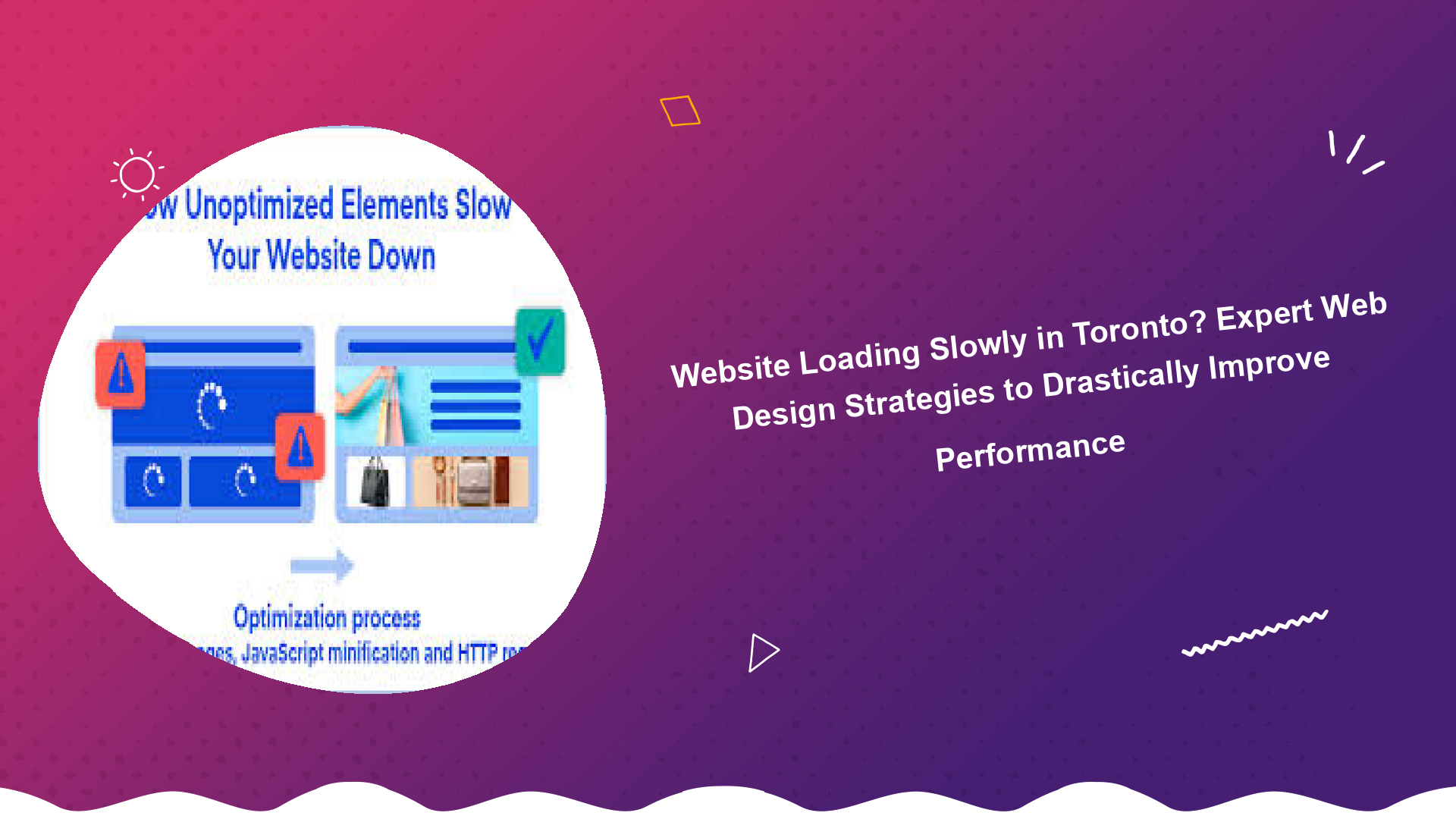
Website Loading Slowly in Toronto? Expert Web Design Strategies to Drastically Improve Performance
In the bustling digital landscape of Toronto, a slow-loading website isn’t just an inconvenience; it’s a significant barrier to business growth, user engagement, and search engine visibility. If you’ve found yourself asking, "Why is my website loading slowly in Toronto?" you’re not alone. Many businesses unknowingly grapple with performance issues that deter potential customers and hurt their bottom line. In today’s fast-paced world, users expect instant access to information, and search engines prioritize speed. This comprehensive guide will delve into the critical factors causing slow websites and unveil expert Toronto web design strategies to achieve optimal performance, ensuring your online presence thrives.
The Critical Impact of a Slow Website in Toronto
A website that loads slowly has a ripple effect across multiple facets of your online operation, severely impacting your business in the competitive Toronto market. Understanding these consequences is the first step towards prioritizing website speed improvement Toronto.
Damaged User Experience and High Bounce Rates
Users, especially in a fast-paced city like Toronto, have little patience for slow websites. Studies show that a delay of just one second can lead to a 7% reduction in conversions. If your site takes too long to load, visitors will simply leave, jumping to a competitor’s faster site. This immediate departure contributes to a high "bounce rate," signalling to search engines that your site isn’t providing a good experience. A positive user experience (UX) is paramount, and a slow site actively undermines it, making it difficult to generate leads or make sales.
Lower Search Engine Rankings and Reduced Visibility
Google has explicitly stated that page speed is a ranking factor, especially for mobile searches. If your website is loading slowly in Toronto, search engines like Google will penalize you by ranking your site lower in search results. This directly translates to reduced organic traffic, making it harder for potential customers to find your business when they search for services or products you offer. In an era where local SEO is crucial for Toronto businesses, ignoring speed can be a costly mistake. For strategies to boost your online visibility, considering responsive web design Toronto SEO can be a game-changer.
Decreased Conversions and Revenue Loss
Ultimately, a slow website costs you money. Whether you’re an e-commerce store, a service provider, or a content publisher, conversions are the lifeblood of your online business. Every extra second your page takes to load can significantly decrease your conversion rates. This means fewer sales, fewer leads, and a direct hit to your revenue. Businesses in Toronto that invest in a slow website fix Toronto see a clear return on investment through improved conversion rates.
Common Culprits: Why Your Website is Loading Slowly
Diagnosing the root cause of a sluggish website can be complex, as multiple factors often contribute to performance bottlenecks. Identifying these common culprits is crucial for effective website speed improvement Toronto.
Unoptimized Images and Media Files
One of the most frequent reasons for a slow website is oversized and unoptimized images. High-resolution images, video files, and other media that aren’t properly compressed or scaled for web use can consume vast amounts of bandwidth and significantly increase page load times. This is a common web design mistake Toronto businesses often make.
Inefficient Code and Bloated Themes/Plugins
Poorly written or excessive HTML, CSS, and JavaScript code can slow down a website. Bloated themes and a large number of unoptimized plugins, especially common in WordPress installations, can add significant overhead, increasing the number of requests a browser needs to make and the amount of data it needs to download.
Subpar Web Hosting
Your web host plays a fundamental role in your site’s speed. Cheap, shared hosting plans, while budget-friendly, often place too many websites on a single server, leading to resource contention and slower response times. A server that is geographically distant from your target audience (e.g., a server in Europe for a Toronto audience) can also introduce latency.
Lack of Caching
Caching is a powerful technique that stores elements of your website (like images, CSS, and HTML) so that they don’t have to be reloaded every time a user visits your site. Without proper caching mechanisms, your server has to process every request from scratch, leading to slower load times, especially for repeat visitors.
External Scripts and Third-Party Integrations
Many websites rely on external scripts for analytics (Google Analytics), social media widgets, advertisements, and other integrations. While often necessary, these scripts can introduce their own performance issues if they are not loaded asynchronously or if the third-party server is slow to respond.
Unoptimized Databases (Especially for WordPress)
For dynamic websites like those built on WordPress, an unoptimized database can lead to slow queries and server response times. Over time, databases can accumulate unnecessary data, revisions, spam comments, and orphaned records, making them less efficient.
Expert Toronto Web Design Solutions to Improve Performance
Now that we’ve identified the problems, let’s explore the actionable strategies and expert Toronto web design solutions to improve performance. Addressing these areas systematically can transform a slow-loading website into a lightning-fast digital asset.
1. Optimize and Compress Images
Image optimization is often the lowest hanging fruit for website speed improvement Toronto. Instead of uploading images directly from your camera, always:
- Compress Images: Use tools like TinyPNG, Compressor.io, or WordPress plugins (e.g., Smush, Imagify) to reduce file sizes without significant loss of quality.
- Choose the Right Format: Use JPEG for photographs, PNG for images with transparency, and SVG for logos and icons. Consider modern formats like WebP for even better compression.
- Scale Images: Ensure images are sized appropriately for their display area on your website. Don’t upload a 4000px wide image if it will only be displayed at 800px.
- Implement Lazy Loading: This defers the loading of images that are "below the fold" (not visible on the initial screen) until the user scrolls down. This significantly improves initial page load times. Learn how to implement lazy loading images using jQuery plugins for better website performance.
2. Minify and Combine CSS and JavaScript Files
Minification removes unnecessary characters (like white space, comments, and line breaks) from your code without altering its functionality. Combining multiple CSS and JavaScript files into fewer files reduces the number of HTTP requests your browser needs to make, speeding up load times.
- Use Minification Tools: Many WordPress plugins (like Autoptimize, WP Rocket) and build tools automate this process.
- Prioritize Critical CSS: Load only the essential CSS required for the "above the fold" content initially, and defer the rest.
- Defer JavaScript: Load JavaScript files asynchronously or defer their parsing until after the main content has rendered, preventing them from blocking the initial page display.
3. Leverage Browser Caching and Server-Side Caching
Caching is fundamental for improving website performance. It stores copies of your website’s files on the user’s browser or on your server, so subsequent visits load much faster.
- Browser Caching: Instructs browsers to store static assets (images, CSS, JS) locally. This is typically configured via your server’s .htaccess file or through caching plugins.
- Server-Side Caching: Full page caching, object caching, and database caching reduce the load on your server, allowing it to deliver pages faster. For WordPress sites, plugins like WP Super Cache or WP Rocket are invaluable for this.
4. Upgrade Your Web Hosting
If you’re still using shared hosting for a growing business, it might be time for an upgrade. A reliable hosting provider is a cornerstone of website speed improvement Toronto.
- Managed WordPress Hosting: Often includes server-level caching, CDN integration, and optimized environments specifically for WordPress.
- VPS (Virtual Private Server) or Dedicated Hosting: Offers more dedicated resources and better performance for higher traffic websites.
- Choose a Local Server: Opt for a server located geographically close to your target audience (e.g., in Canada or the US for Toronto businesses) to reduce latency.
5. Implement a Content Delivery Network (CDN)
A CDN is a network of servers distributed globally. When a user visits your site, the CDN delivers static content (images, CSS, JS) from the server geographically closest to them. This dramatically reduces latency and speeds up content delivery, especially for international visitors or users across a large country like Canada. Popular CDNs include Cloudflare, KeyCDN, and Amazon CloudFront.
6. Ensure Your Website is Mobile-Responsive
With mobile traffic often surpassing desktop, a responsive design isn’t just a nicety; it’s a necessity. A responsive website adapts its layout and content to different screen sizes, providing an optimal viewing experience across all devices. Google prioritizes mobile-first indexing, meaning your mobile site’s performance heavily influences your search rankings. A truly responsive web design Toronto SEO strategy naturally improves speed for mobile users by serving appropriately sized assets and optimizing for touch interactions.
7. Optimize Your WordPress Database
For WordPress users, a bloated database can be a significant drag on performance. Regular maintenance is essential:
- Delete Old Revisions: WordPress stores many post revisions, which can accumulate over time.
- Remove Spam Comments and Trash: Regularly clear out unwanted data.
- Optimize Database Tables: Use plugins like WP-Optimize or phpMyAdmin to clean and optimize your database tables.
- Limit Auto-Loading Data: Some plugins add unnecessary data to the
wp_optionstable that is auto-loaded on every page, slowing things down.
8. Manage and Optimize Plugins (for WordPress)
While plugins add functionality, too many, or poorly coded ones, can severely impact speed. Regularly review your installed plugins:
- Deactivate and Delete Unused Plugins: Even inactive plugins can sometimes consume resources.
- Choose Lightweight Alternatives: Opt for plugins known for their efficiency.
- Update Regularly: Keep plugins, themes, and WordPress core updated to benefit from performance improvements and security fixes.
- Explore the best wordpress plugins for website speed to make informed choices.
9. Reduce External HTTP Requests
Every element on your page – images, CSS files, JavaScript files, fonts, and external scripts – requires an HTTP request. The more requests, the longer it takes for the page to fully load. Minimize these by:
- Consolidating Files: As mentioned, combine CSS and JS where possible.
- Limiting External Fonts: Use fewer custom fonts or host them locally.
- Cleaning Up Third-Party Scripts: Evaluate if every analytics tool, social sharing button, or ad script is truly necessary.
10. Regular Performance Audits and Monitoring
Website speed isn’t a one-time fix; it requires ongoing vigilance. Regularly monitor your website’s performance using tools like:
- Google PageSpeed Insights: (Google PageSpeed Insights) Provides scores for both mobile and desktop, along with actionable recommendations.
- Web.dev: (Web.dev) A Google tool offering a comprehensive assessment of Core Web Vitals and overall site health.
- GTmetrix: (GTmetrix) Offers detailed reports on page speed and optimization recommendations.
These tools will help you identify bottlenecks and track the effectiveness of your website speed improvement Toronto efforts.
Why Partner with a Toronto Web Design Expert for Performance Optimization?
While many of these tips can be implemented with basic technical knowledge, achieving truly optimal performance often requires expert insight. A professional Toronto web design agency understands the intricacies of server configurations, advanced coding practices, and the latest SEO standards. They can conduct thorough audits, implement complex solutions, and ensure your website not only loads quickly but also remains secure and functional.
Investing in professional Web Design services for speed optimization is an investment in your business’s future. It ensures that your website provides an exceptional user experience, ranks higher in search results, and converts more visitors into customers, ultimately boosting your ROI in the competitive Toronto market.
Conclusion: Make Speed Your Competitive Edge in Toronto
In the vibrant and competitive Toronto market, a fast-loading website is no longer a luxury—it’s a fundamental requirement for online success. A website loading slowly in Toronto can severely hamper your business, leading to lost customers, poor search rankings, and decreased revenue. By implementing the expert web design strategies discussed, from image and code optimization to robust caching and CDN integration, you can significantly improve website performance Toronto.
Don’t let a sluggish website be the reason your Toronto business falls behind. Prioritize a slow website fix Toronto today to enhance user experience, boost your SEO, and drive more conversions. Partner with a skilled web design professional to unlock your website’s full speed potential and gain a crucial competitive edge in the digital landscape. Your customers, and your bottom line, will thank you.